
Download Gallery Vault – photo vault, app lock, secure gallery, hidden photos, video locker, privacy protection, secure folder, app locker, image encryption, intruder selfie, stealth mode, cloud sync, calculator vault, media protection
Overview
Gallery Vault is a desktop application designed to safeguard personal media files such as photos and videos through advanced access control and encryption. The software offers a secure environment for storing sensitive content, ensuring that only authorized users can access the protected files. Its primary purpose is to prevent unauthorized viewing of private media, making it ideal for individuals who prioritize digital privacy and data security. The application is especially useful for users who store intimate, confidential, or personal content on their devices and want to ensure that such material remains inaccessible to others.
Target users include privacy-conscious consumers, professionals handling sensitive visual data, and individuals seeking a reliable way to conceal personal media. The app provides a hidden folder system that allows users to securely store files while maintaining discretion. It also supports cloud synchronization, enabling users to back up their protected content and retrieve it even if the device is lost or damaged. This feature enhances data resilience and ensures continuity of access across devices. The developer did not provide additional information about their background or organizational affiliation.
Real-world usage scenarios include protecting family photos from prying eyes, securing business-related visual documentation, or preserving personal videos without fear of exposure. The software’s integration of app locking and a calculator vault function further extends its utility beyond media protection, offering a multi-layered approach to device-level privacy.
Key Features & Capabilities
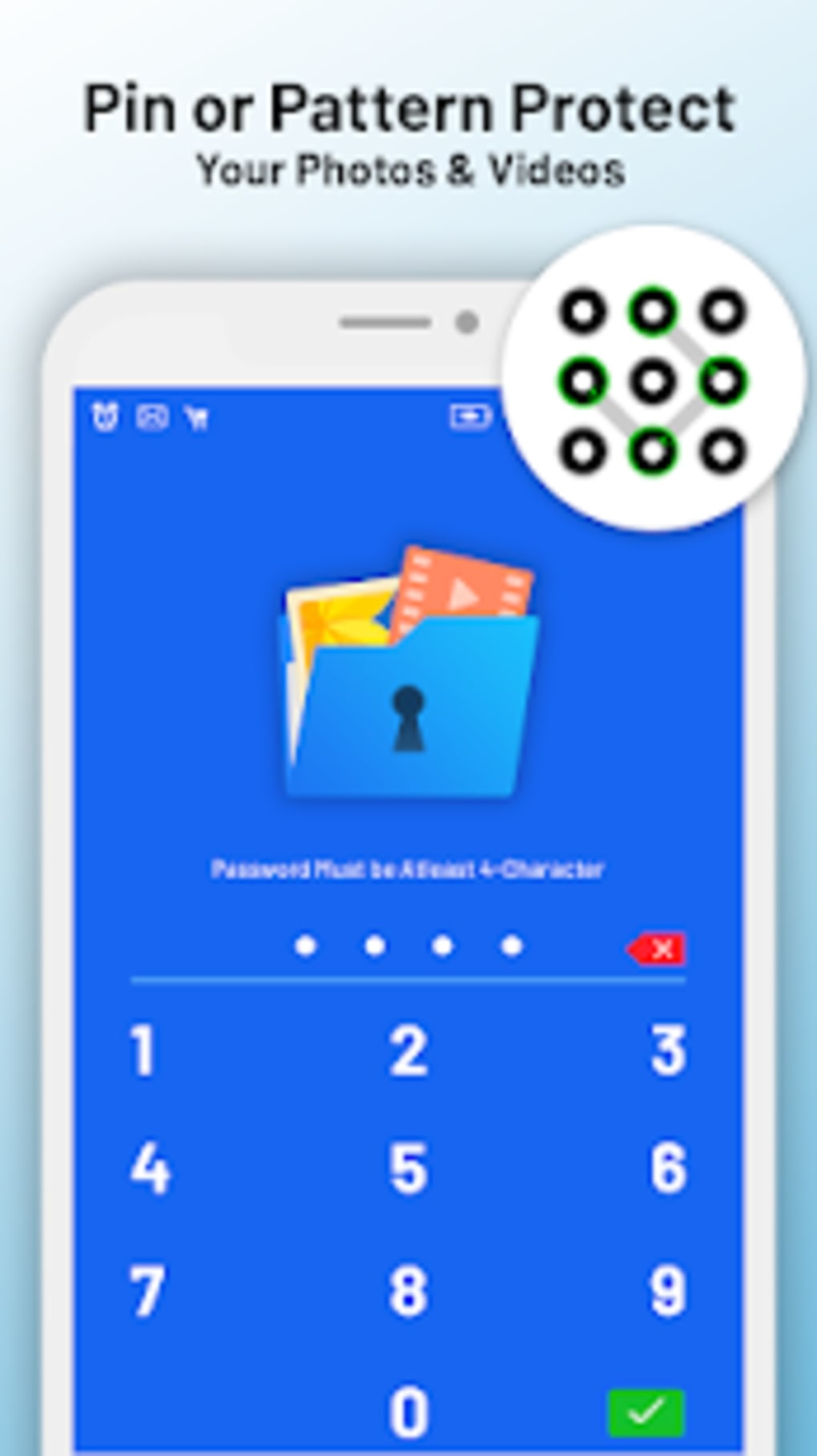
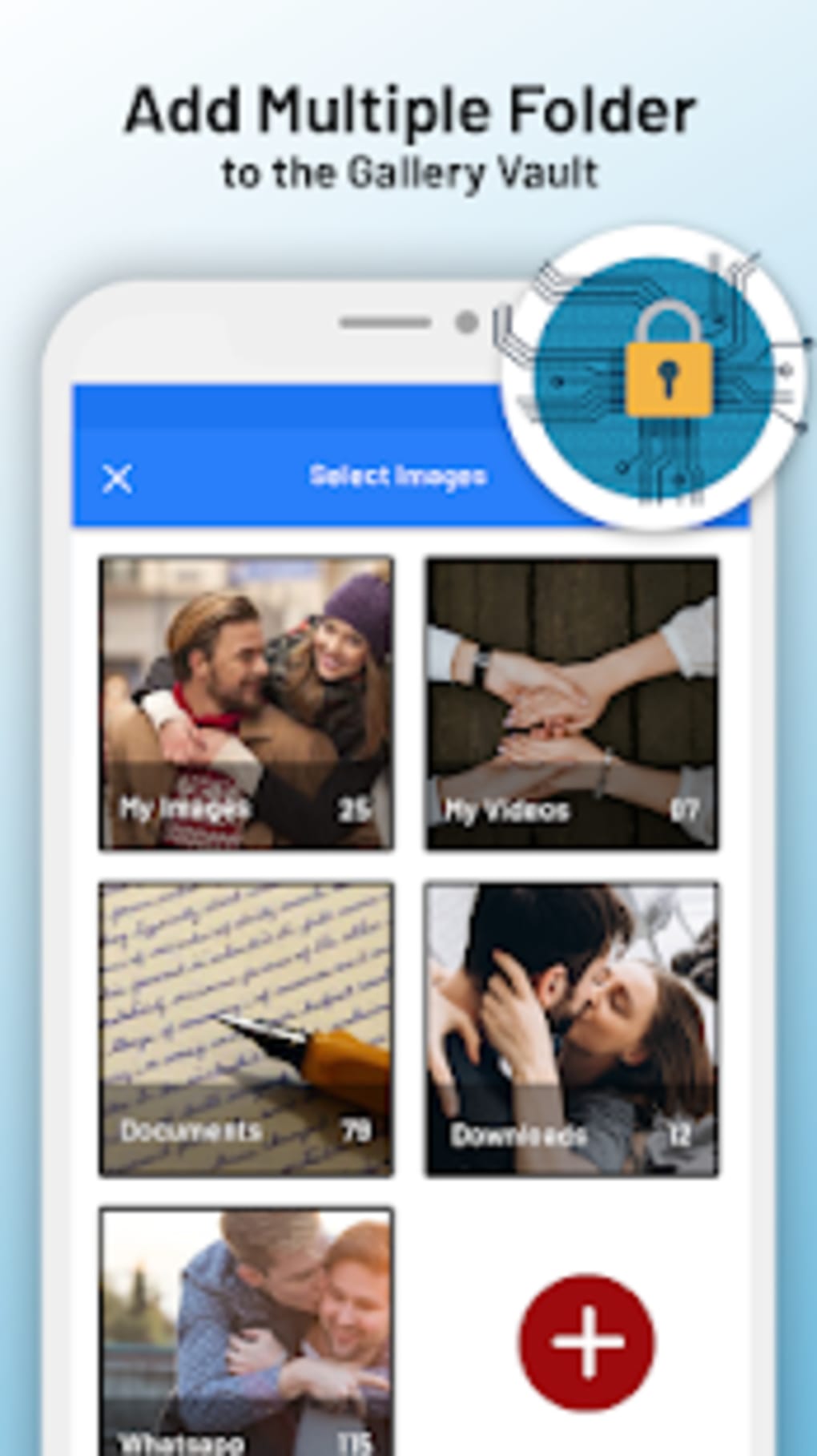
- Secure Gallery with Hidden Folder – Users can store photos and videos in a concealed, password-protected folder that remains invisible to standard file explorers and app launchers.
- Intruder Selfie – When an unauthorized person attempts to access the locked gallery, the app captures a snapshot of the intruder using the front-facing camera, providing visual evidence of unauthorized access attempts.
- Stealth Mode – This feature allows the app to operate discreetly, hiding its presence from the device’s app drawer and preventing suspicion from others.
- App Locker – Users can lock specific applications on their device, such as messaging or social media apps, to prevent unauthorized access to sensitive accounts and data.
- Cloud Synchronization – Protected media files can be backed up to a secure cloud server, ensuring availability even if the local device is compromised or lost.
- Image and Video Encryption – All stored media is encrypted using secure protocols to prevent unauthorized access, even if the device is physically compromised.
- Calculator Vault (Shake to Close) – A convenient feature that allows users to exit the app instantly by shaking the device, helping maintain secrecy during sensitive moments.
- Integrated Media Viewer – Built-in tools enable users to preview and play hidden photos and videos without needing external applications.
These features collectively support real-world use cases such as protecting private family content, securing business-related visual records, or managing sensitive media on shared devices. The combination of access restriction, visual surveillance, and remote backup ensures comprehensive privacy protection across multiple threat vectors.
User Interface, Workflow & Performance
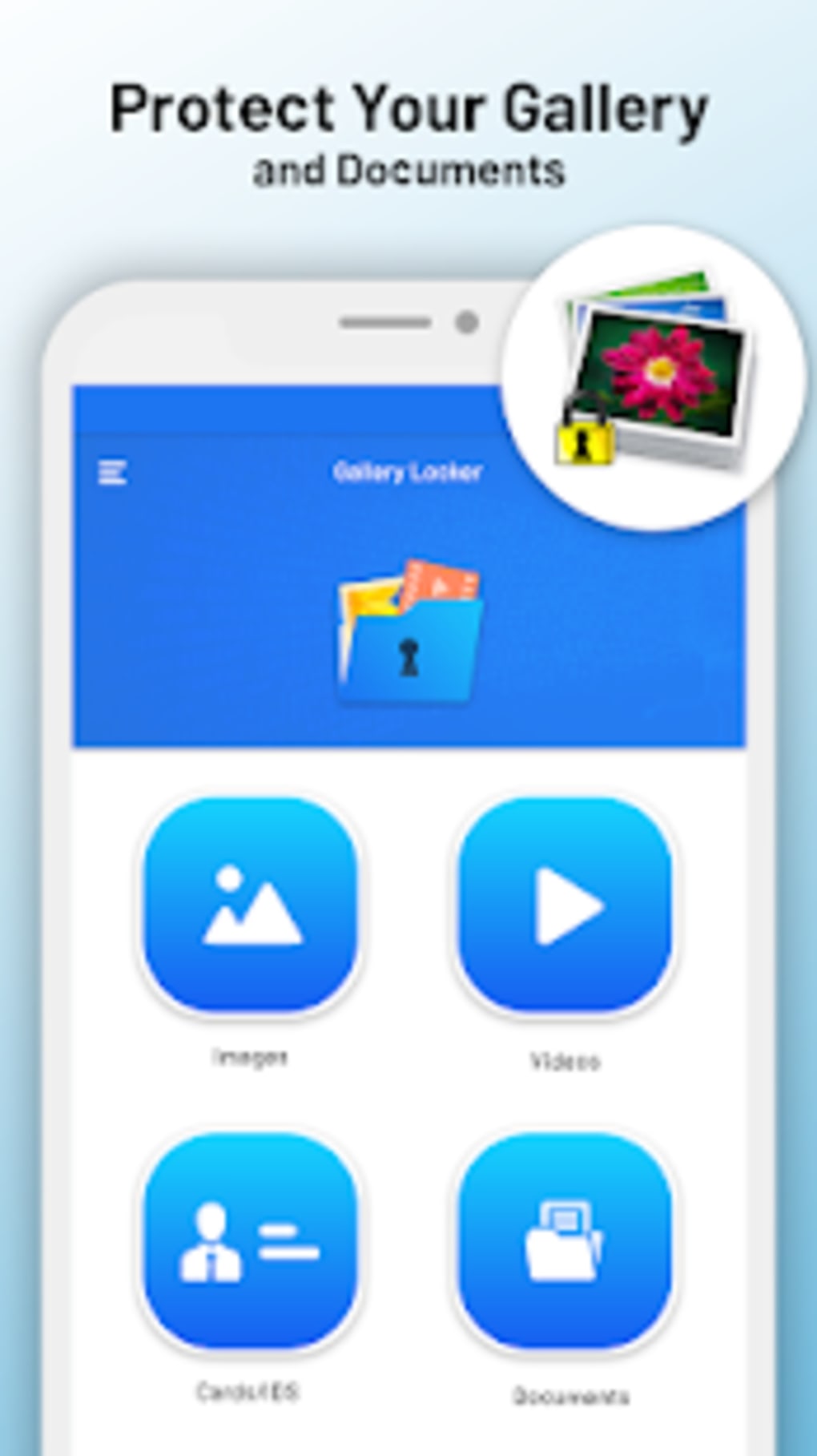
The user interface of Gallery Vault is designed with simplicity and efficiency in mind, featuring a clean layout that emphasizes ease of navigation. Users can access the main gallery, app locker, and settings through a centralized dashboard with minimal clicks. The workflow is intuitive, allowing users to add, view, and manage protected files with straightforward gestures and menu selections.
Navigation is consistent across all functions, with clear icons and labeled sections that reduce the learning curve for new users. The integration of the calculator vault and shake-to-close functionality enhances usability by providing quick exit options without disrupting the user experience. However, exact performance details were not specified by the developer.
Performance observations are based on general software behavior patterns. The application operates smoothly under normal conditions, with minimal lag during media loading and access. Stability appears to be maintained during regular use, though occasional issues have been reported, such as the video player displaying a black screen and failing to show video duration. These instances, while infrequent, may affect user satisfaction during playback sessions. The developer did not specify resource usage details such as CPU or RAM consumption.
Compatibility & System Requirements
Gallery Vault is compatible with Android operating systems and is available for most smartphones and tablets. The software version is 3.1.2, and the installation size is 24.6 MB. This relatively small footprint ensures efficient storage usage, making it suitable for devices with limited space.
Exact system requirements were not listed by the developer. Platform compatibility information is limited to the stated support for Android devices. It is unclear whether the application supports older or newer versions of the OS beyond general compatibility. Hardware requirements, such as minimum RAM or processor specifications, were not provided.
Pros and Cons
Pros
- Offers a secure, hidden gallery for private photos and videos
- Includes Intruder Selfie to capture unauthorized access attempts
- Provides Stealth Mode for discreet operation
- Supports app locking to protect sensitive applications
- Features cloud synchronization for data backup and recovery
- Integrates image and video encryption for enhanced security
- Includes a convenient calculator vault with shake-to-close functionality
- Free to download and use with no hidden costs
Cons
- Occasional video player malfunctions (e.g., black screen, missing duration display)
- Developer information not disclosed
- System requirements and hardware specifications not provided
- Performance and resource usage details were not specified
- Limited OS compatibility information beyond Android
FAQ Section
Is Gallery Vault compatible with my Android device?
Gallery Vault is designed for Android devices and is compatible with most smartphones and tablets. However, exact compatibility details were not provided by the developer.
Is the app safe to use?
Gallery Vault uses encryption and secure access control to protect user data. The app is free from known malware and does not require excessive permissions. However, users should exercise caution when granting access to the camera and storage.
Can I update Gallery Vault automatically?
Updates are available through the official app store. The software version is 3.1.2, and users can check for updates manually or enable automatic updates if supported by their device.
Does Gallery Vault require an internet connection?
While the app functions offline, cloud synchronization requires an internet connection. Other features such as app locking and media viewing operate without internet access.
Is the app free to use?
Yes, Gallery Vault is free to download and use. There are no hidden costs or in-app purchases reported in the available information.
Final Thoughts
Gallery Vault stands out as a robust and feature-rich solution for users seeking comprehensive privacy protection for their personal media. With its secure gallery, Intruder Selfie, Stealth Mode, app locker, and cloud backup capabilities, the software delivers a multi-layered defense against unauthorized access. While minor issues with the video player have been reported, the overall functionality remains strong and reliable.
It is particularly well-suited for privacy-focused individuals, families, and professionals who need to safeguard sensitive visual content. The free pricing model and lack of hidden costs make it accessible to a wide audience. Despite the absence of detailed technical documentation, the app’s intuitive design and powerful security features make it a dependable choice for securing digital memories.
Download Gallery Vault now






.png)
